Getting started as an administrator#
The administrator sets the company up in Fjellklokka. You sign in with a password and a code from an authenticator app on your phone, because you see the whole company.
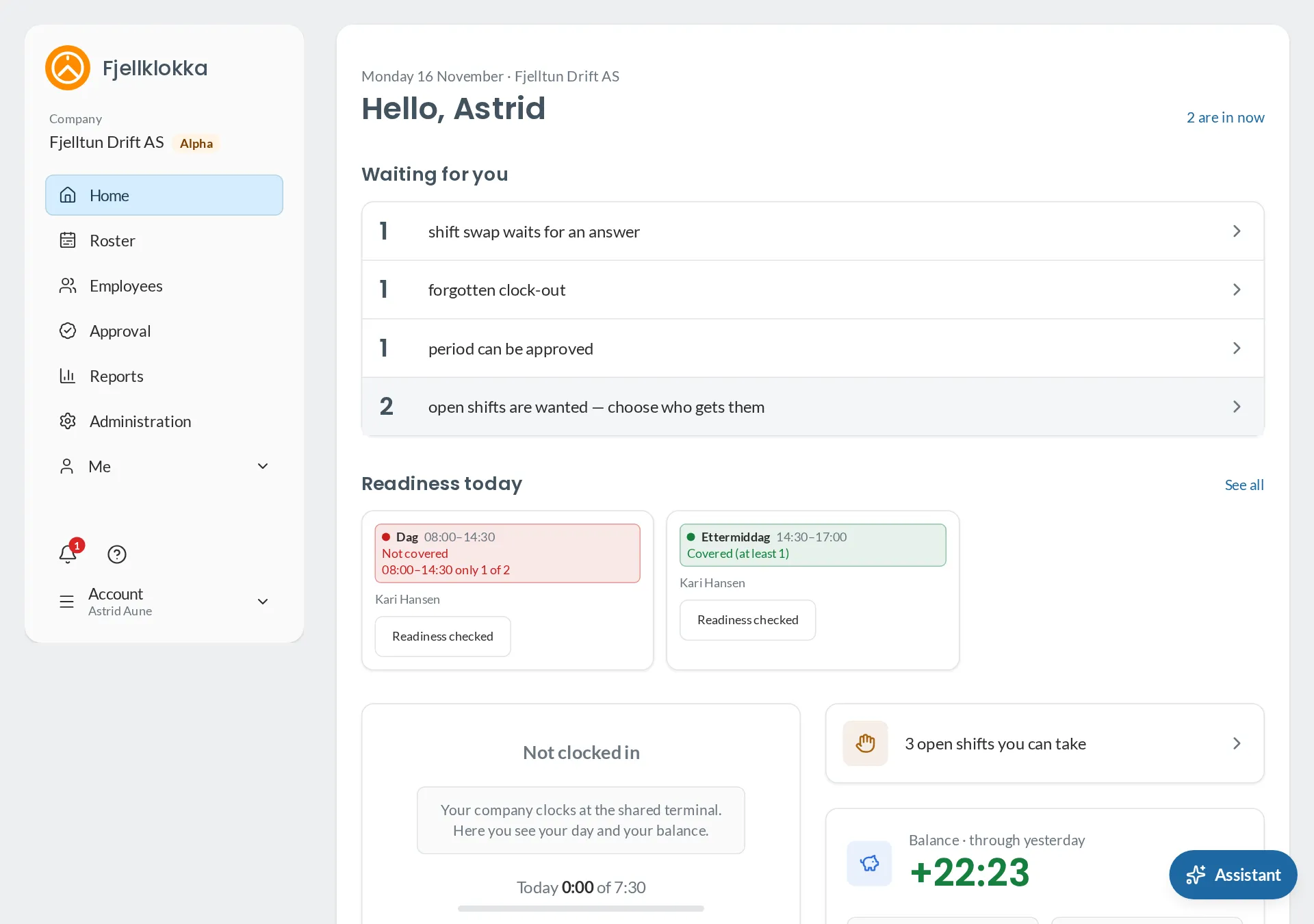
Setting the company up#
Do it in this order, and everything is in place when the employees sign in:
- Accept the agreement on the company’s behalf. See The agreement with Fjellklokka.
- Set the company up: the approval period, where employees may clock from, and from which day the time bank counts. See Company settings.
- Make the shift types you use. See Shift types.
- Add the employees and send the invitation. See Add employees.
- Competences and readiness, if you need enough people with a given competence at work. See Competences and readiness.
- A terminal, if people are to clock in on a shared screen. See A shared terminal.
Once the periods are approved, you take the hours to the payroll system. See Payroll export.
Everything for administrators#
- Add employees — How to add your employees and give them access.
- Company settings — What you can set for the whole company.
- Shift types — Make the company's shift types: number, name, short code, colour and times.
- Competences and readiness — Make your competences, and the requirements for how many with them must be at work.
- The agreement with Fjellklokka — Accept the terms and the data processing agreement on the company's behalf, and find what you have accepted.
- Payroll export — How to take approved hours to the payroll system.
- A shared terminal — How to make a tablet or PC a clocking terminal.
- When the company leaves Fjellklokka — What happens to the data, and how you take it with you.
- Connect other systems — How to give another system access to Fjellklokka.
- Sign in from Carrotz — How employees come straight from Carrotz to Fjellklokka, without a password of its own.
- Two-step verification — Why administrators enter a code from their phone after the password, and how to set it up.