The agreement with Fjellklokka#
Accept the terms and the data processing agreement on the company’s behalf, and find what you have accepted.
How to#
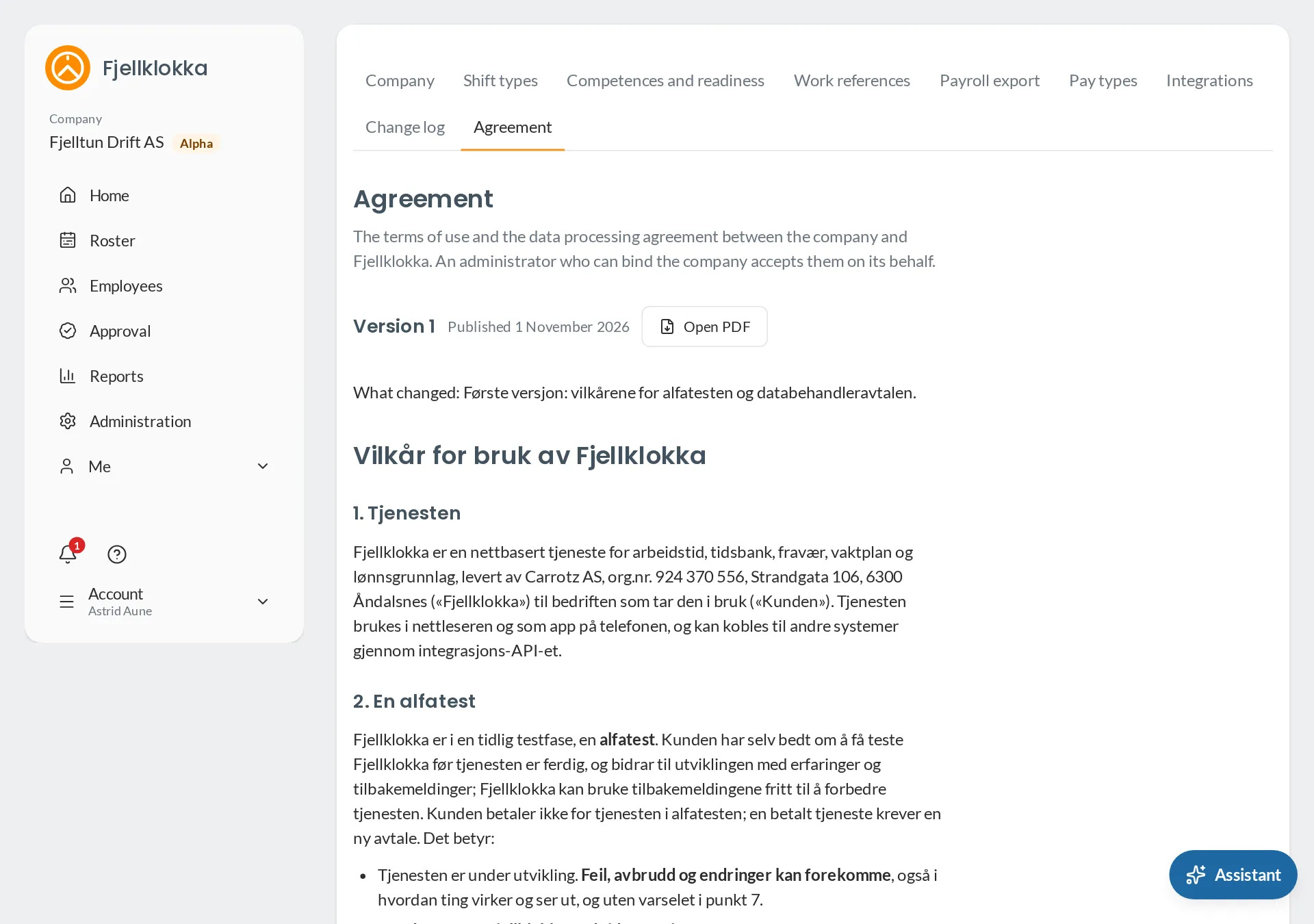
- Go to Administration and Agreement.
- Read the terms and the data processing agreement. At the top is what changed since the version before.
- Tick that you can enter into agreements on behalf of the company, write your role, and press Accept.
- Download the agreement as a PDF whenever you like. It shows who accepted it, and when.
Good to know#
- Until the company has accepted the agreement, administration waits. Employees and managers can use Fjellklokka as before.
- A new version that must be accepted is shown on Home with the date it applies from — at least 30 days ahead. Accept it before then, or administration waits again.
- A version that only corrects wording needs no acceptance.