Company settings#
What you can set for the whole company.
How to#
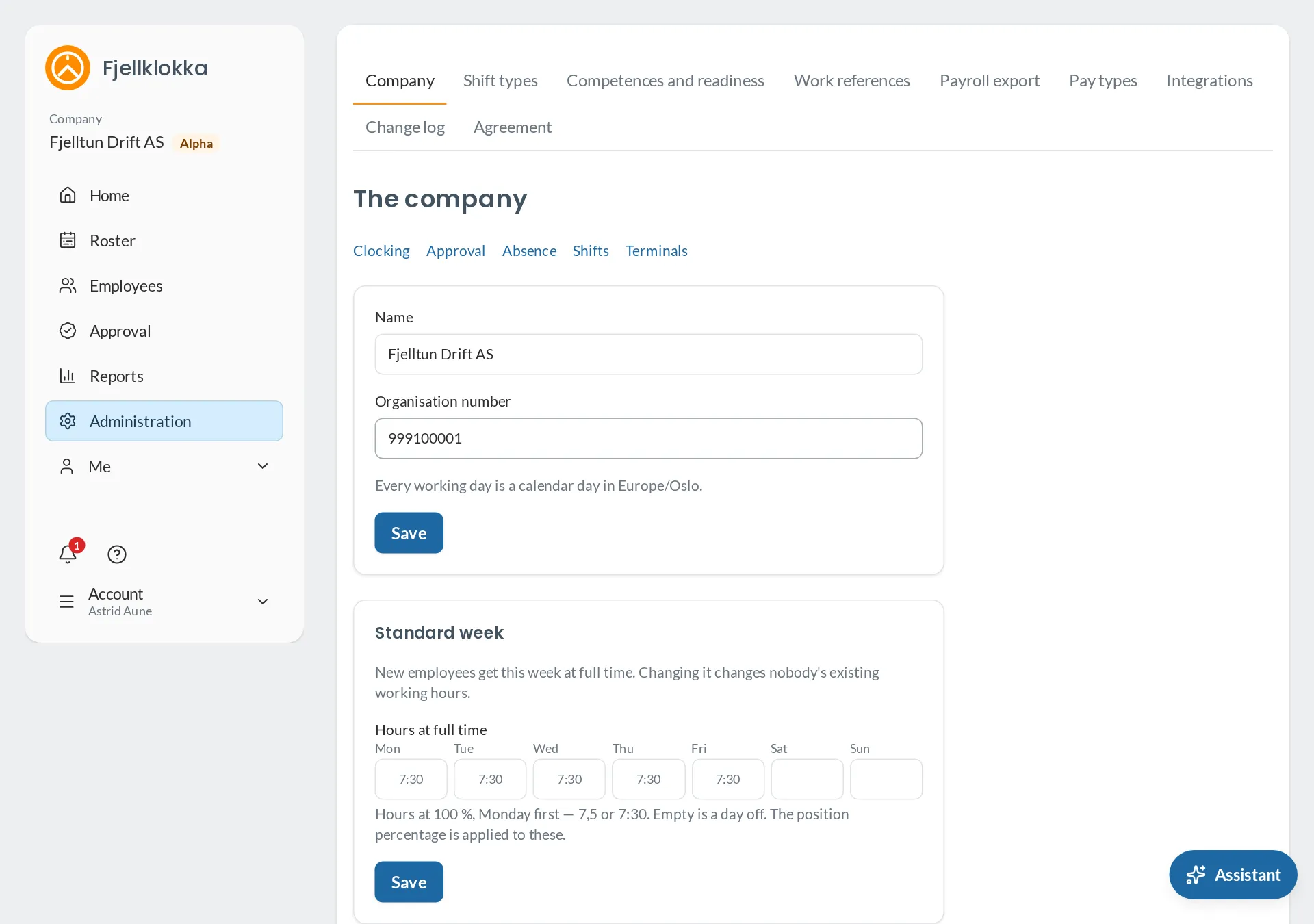
- Go to Administration → The company.
- The settings are in tabs: The company (name, standard week, the day the time bank starts, the assistant), Clocking (where people may clock from, open periods), Approval (month or week, deviations, approval by exception), Shifts (open shifts) and Terminals.
- Network addresses and the workplaces’ positions are under More options on Clocking.
- Work references (work orders, projects) are under Work references.
Good to know#
- Every change is in the Change log, with who and when.