Competences and readiness#
Make your competences, and the requirements for how many with them must be at work.
How to#
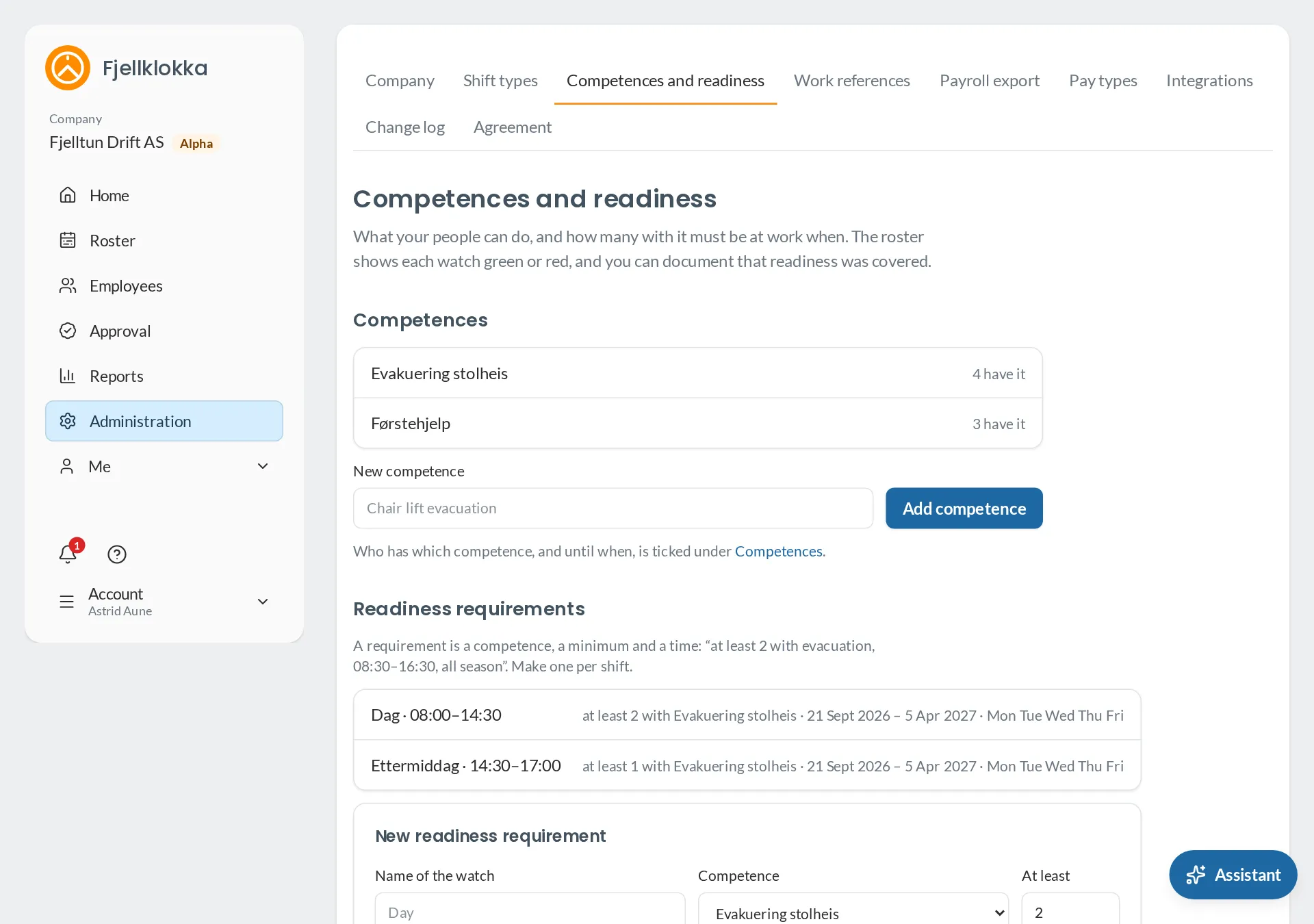
- Go to Administration and Competences and readiness.
- Add a competence — for example Chair lift evacuation.
- Tick who has it under Employees → Competences. If the course expires, enter the date.
- Make a readiness requirement per shift: the competence, how many must at least be at work, the times, the weekdays and the season.
Good to know#
- The roster shows each requirement green or red for every day, from the shifts planned — drafts included.
- An expired competence does not count from the day after its date. The manager is told 30 days before.
- A requirement that has been checked cannot be deleted, as that is documentation. Set an earlier end date instead.