Payroll export#
How to take approved hours to the payroll system.
How to#
- Approve the periods first. Only approved hours are exported.
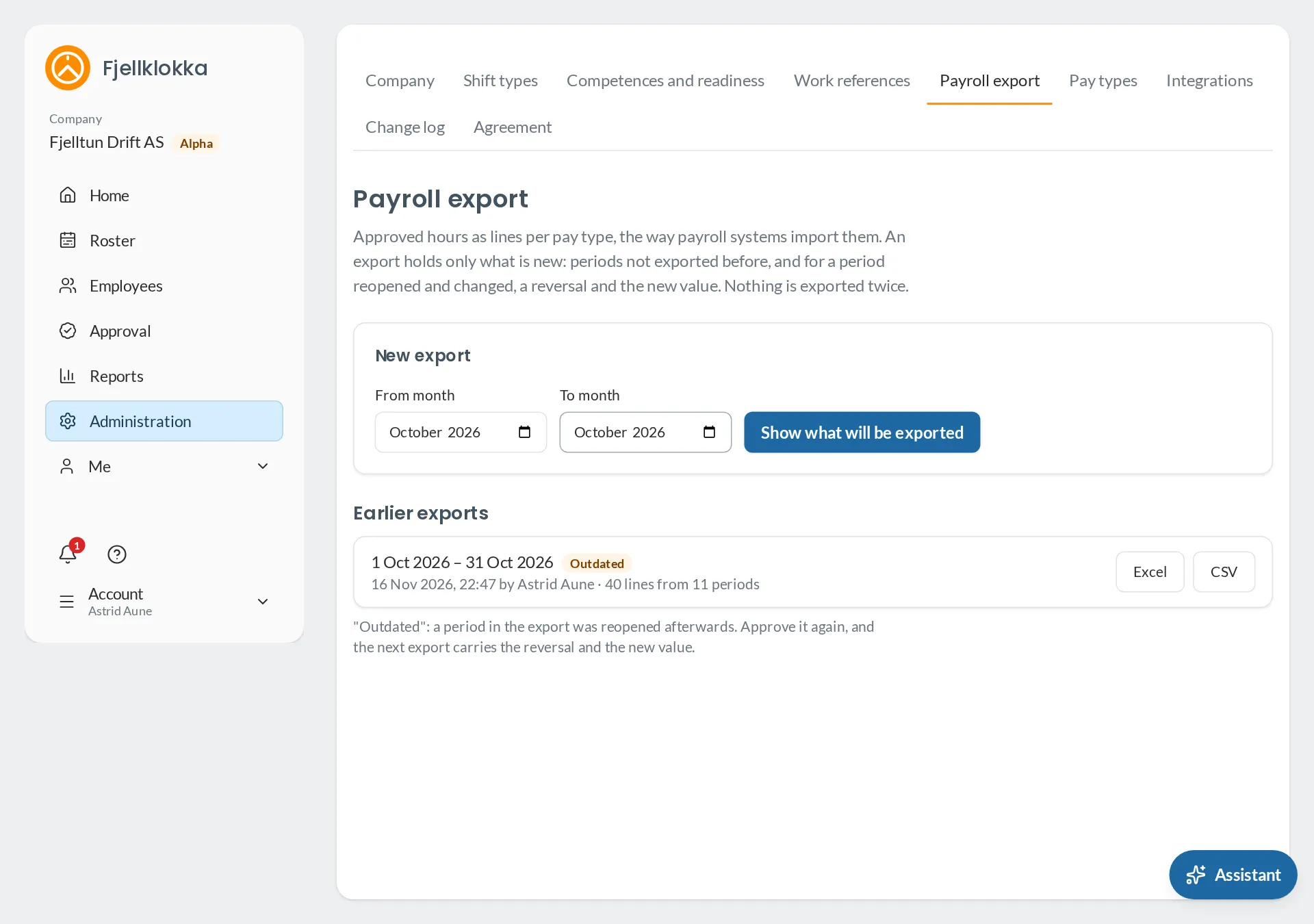
- Go to Administration → Payroll export and choose the months.
- Download as CSV or Excel and import it into the payroll system.
Good to know#
- Each export takes only what is new. If an approved period was corrected afterwards, the correction comes as a reversal in the next export.
- Every export is kept exactly as it was downloaded.
- If Fjellklokka has set up your payroll system, Pay types is beside Payroll export. There you switch on supplements, choose how overtime is paid and fill in the payroll system’s codes. The export then also makes a file the payroll system reads directly, and says if a code is missing.