Add employees#
How to add your employees and give them access.
How to#
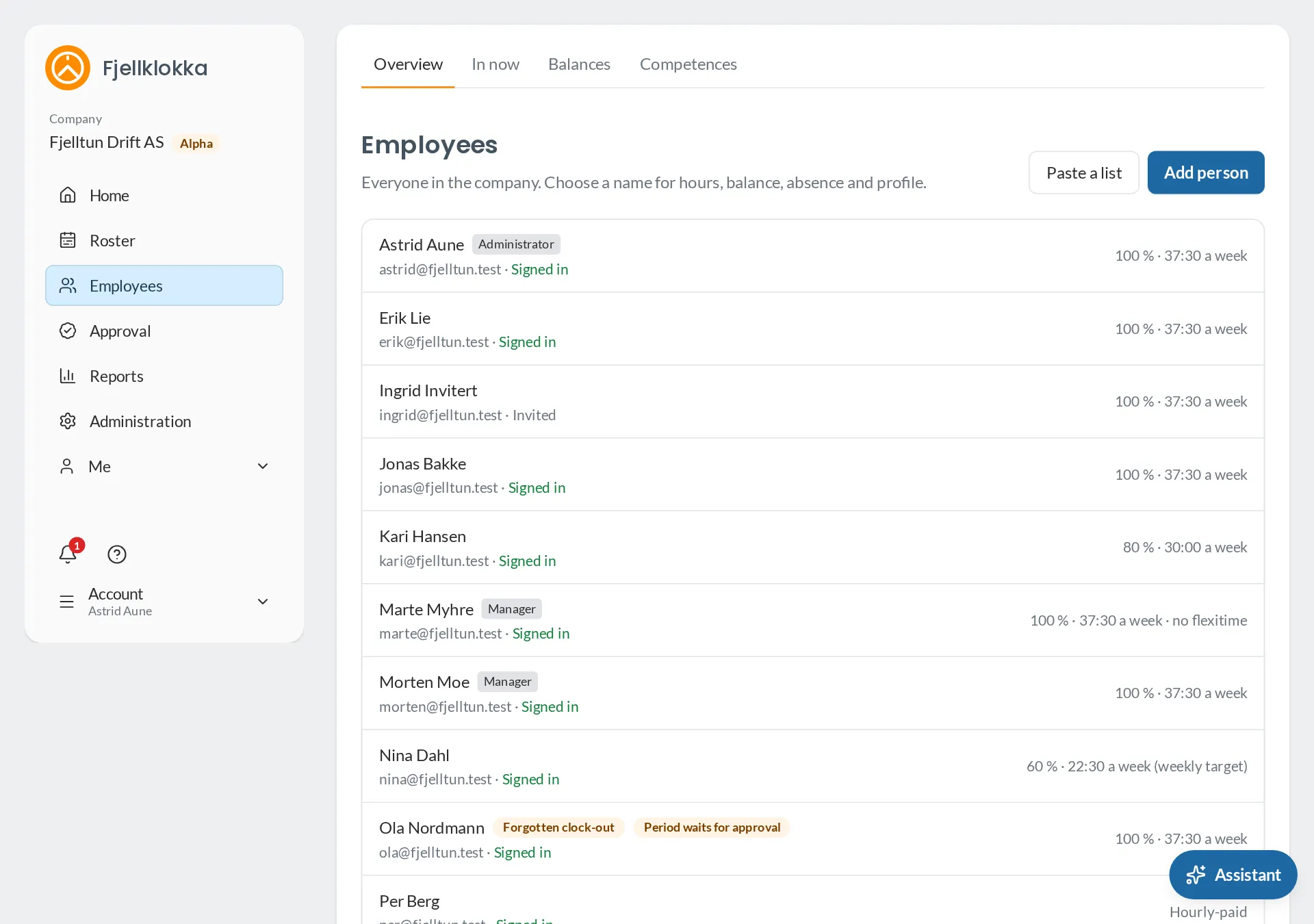
- Go to Employees.
- Add one person with Add person, or paste a list from a spreadsheet with Paste a list. You see what will be created before anything is saved.
- With an email, the person gets an invitation and makes their own password. Without one, they can clock at the terminal with a PIN.
- When someone leaves, set an end date. Access stops after that day, and their hours stay.
Good to know#
- Each employee has employment terms with a percentage and a week. They set the agreed time, and so the balance.