A shared terminal#
How to make a tablet or PC a clocking terminal.
How to#
- Open Fjellklokka on the device that will stay in place, and sign in as an administrator.
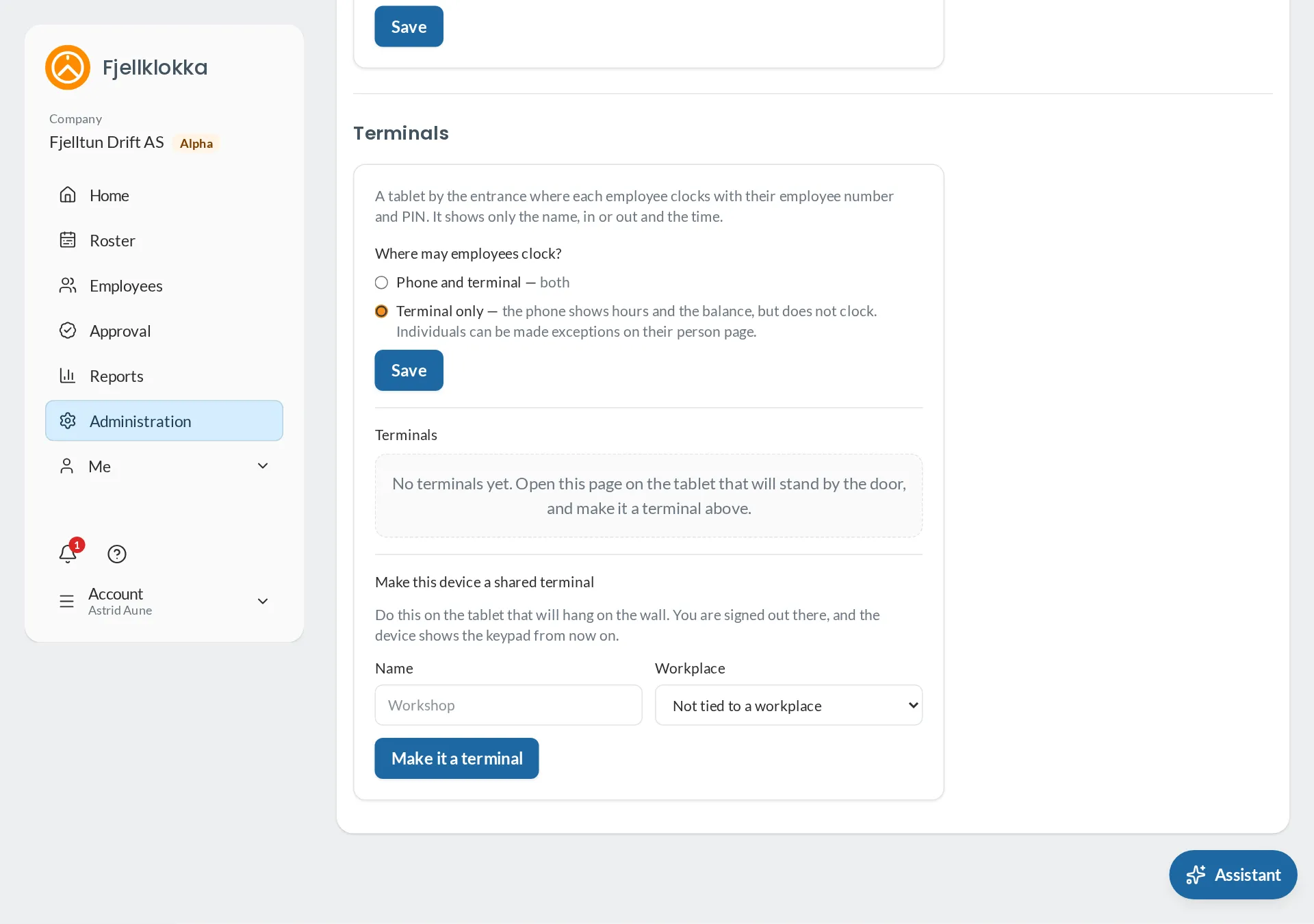
- Go to Administration → The company → Terminals and choose to make this device a terminal.
- Employees enter their employee number and PIN. You make a first PIN for them under the person.
Good to know#
- The terminal works offline and sends the clockings when it is online again.
- Under Terminals you can also decide that clocking happens only at the terminal.