Getting started as an employee#
Fjellklokka is made for the phone. Most of it is on Home.
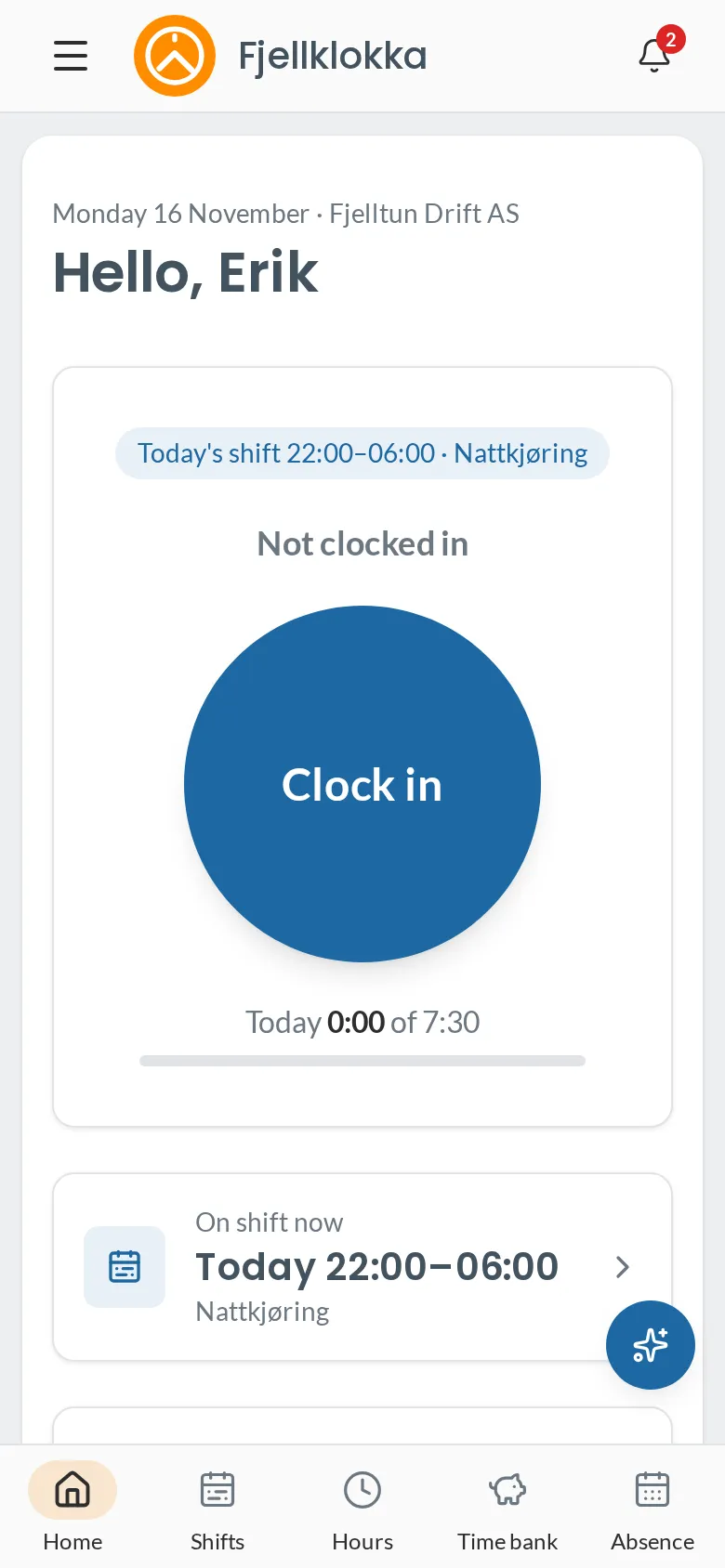
The first time#
- You get an email from Fjellklokka when the company adds you. Tap Accept the invitation and choose a password. The link works for seven days.
- Choose a password. You are signed in straight away.
- Add Fjellklokka to your home screen. On iPhone: Share → Add to Home Screen. On Android: the browser’s menu → Add to Home screen or Install app. It then opens like any other app.
- Prefer Norwegian? Choose the language at the bottom of the menu.
Every day#
- Clock in and out on Home: see Clock in and out.
- Forgot? See I forgot to clock.
- How much do I have? My time bank shows the balance: see My balance.
- When do I work? My shifts shows the roster: see My shifts.
- Off or sick? See Holiday and absence.
You can also write to the assistant, for example “I forgot to clock out yesterday at 4 pm”. It fills in the form, and you confirm. See The assistant.
Everything for employees#
- Clock in and out — How to record when you start and finish.
- I forgot to clock — How to fix a forgotten clock-out, or a whole period you forgot.
- My balance — What the number in the time bank means, and how it is counted.
- My shifts — Where you see when you work, and how you hear about changes.
- Take an open shift — How to see open shifts, and ask for or take one.
- Give away or take over a shift — How to give a shift to a colleague, and take over one someone gives away.
- Holiday and absence — How to register sickness and ask for holiday or time off in lieu.
- The assistant — Write what you want to do, and the assistant fills in the form for you.
- Terminal PIN — How to make or change the PIN you use at the shared terminal.