The assistant#
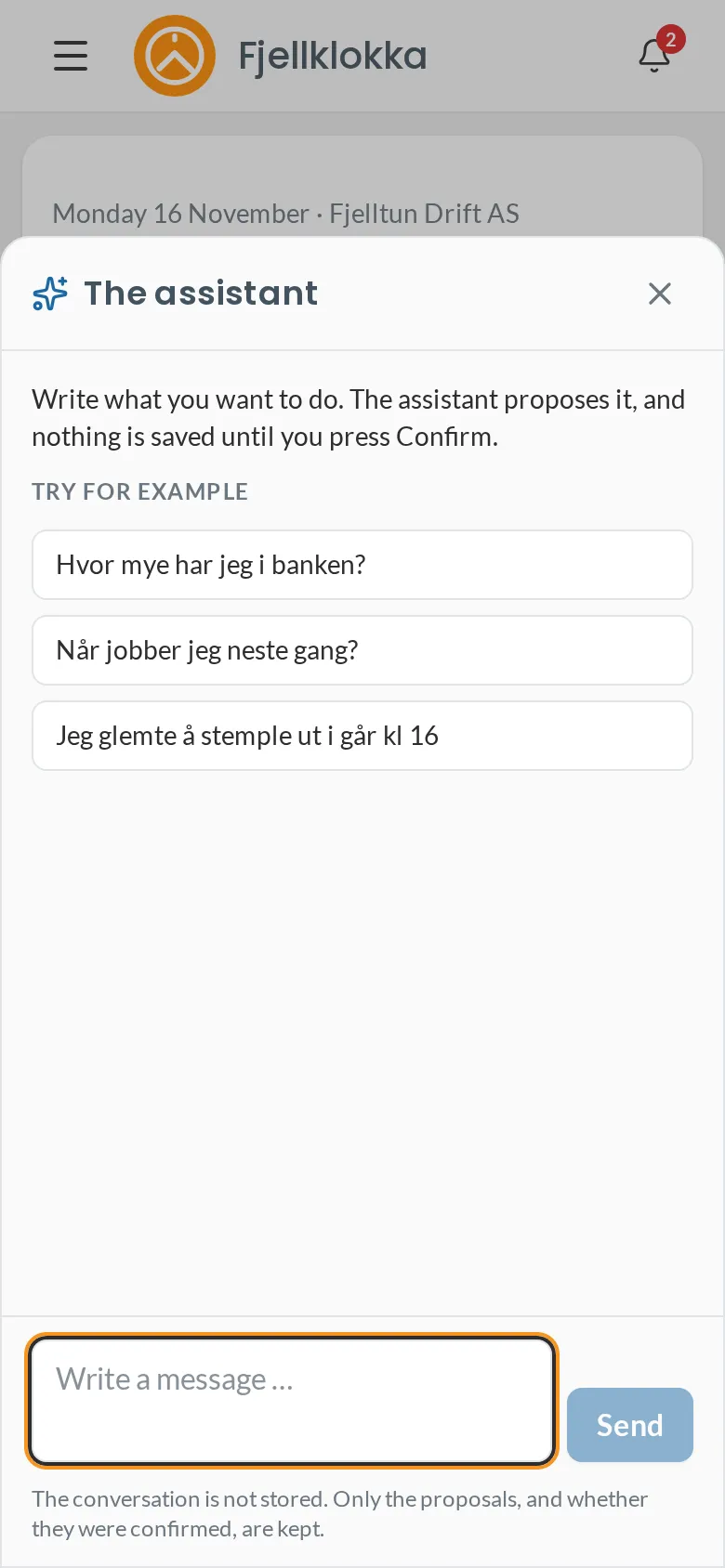
Write what you want to do, and the assistant fills in the form for you.
How to#
- Tap Assistant at the bottom right.
- Write in Norwegian for now, e.g. «Hvor mye har jeg i banken?» or «Jeg glemte å stemple ut i går kl 16».
- When it would change something, it shows a card with what will happen. Nothing is saved until you tap Confirm.
- If something is missing, it asks. Answer briefly, e.g. «kl 16».
Good to know#
- The assistant can only do what you may do yourself.
- The conversation is not stored. Only the proposals, and whether they were confirmed, are kept.
- A card is good for 15 minutes. After that the assistant checks again before anything is saved.