Clock in and out#
How to record when you start and finish.
How to#
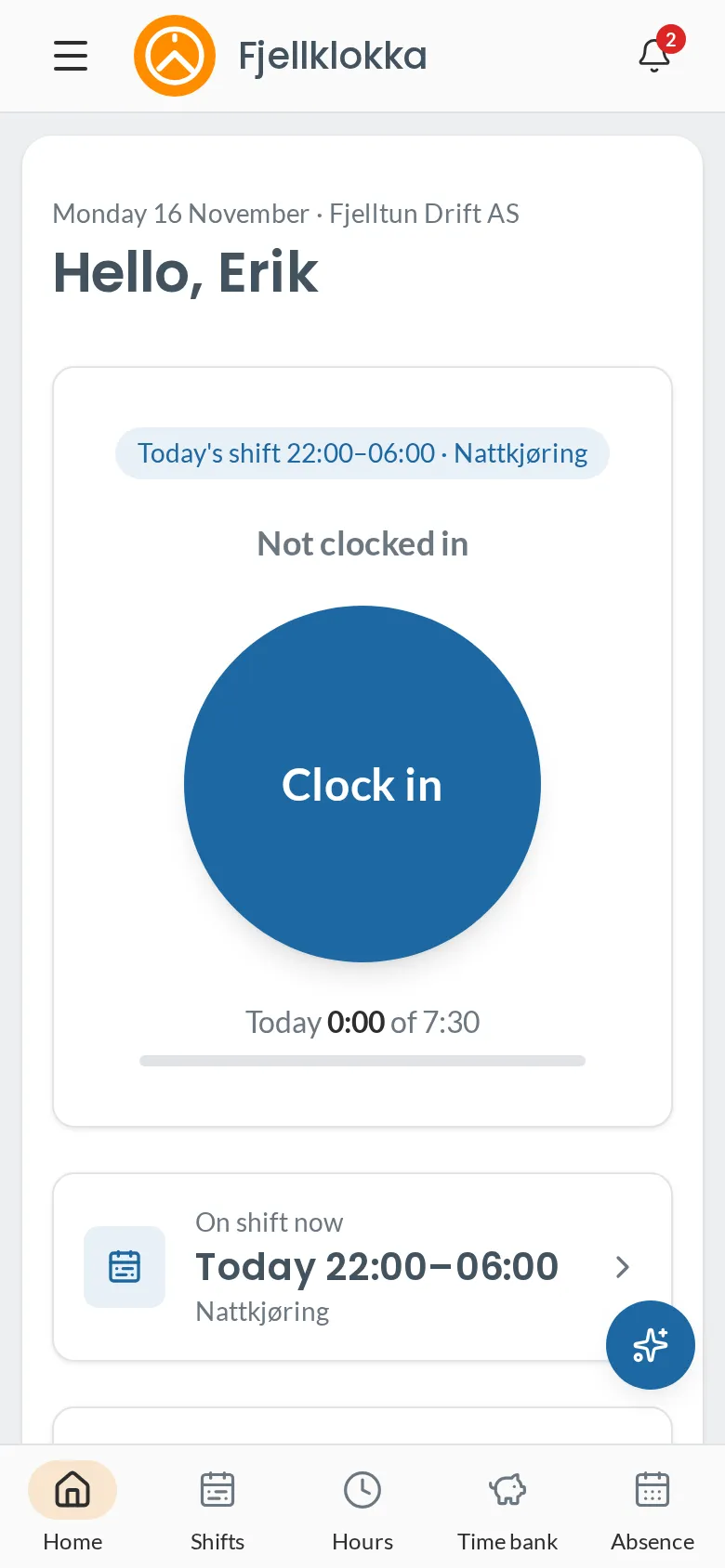
- Open Fjellklokka on your phone. You land on Home.
- Tap Clock in when you start. If the company books hours against work orders, choose what you are working on.
- Tap Clock out when you leave.
- If the company uses a shared terminal, enter your employee number and PIN there instead.
Good to know#
- Without coverage the clocking is kept on the phone and sent once you are online again, with the right time.
- If you sign out before a clocking is sent, it stays on the phone and is sent when you sign in there again. The sign-out button says how many are waiting.
- Add Fjellklokka to your home screen («Share» → «Add to Home Screen») and it opens like an app.