I forgot to clock#
How to fix a forgotten clock-out, or a whole period you forgot.
How to#
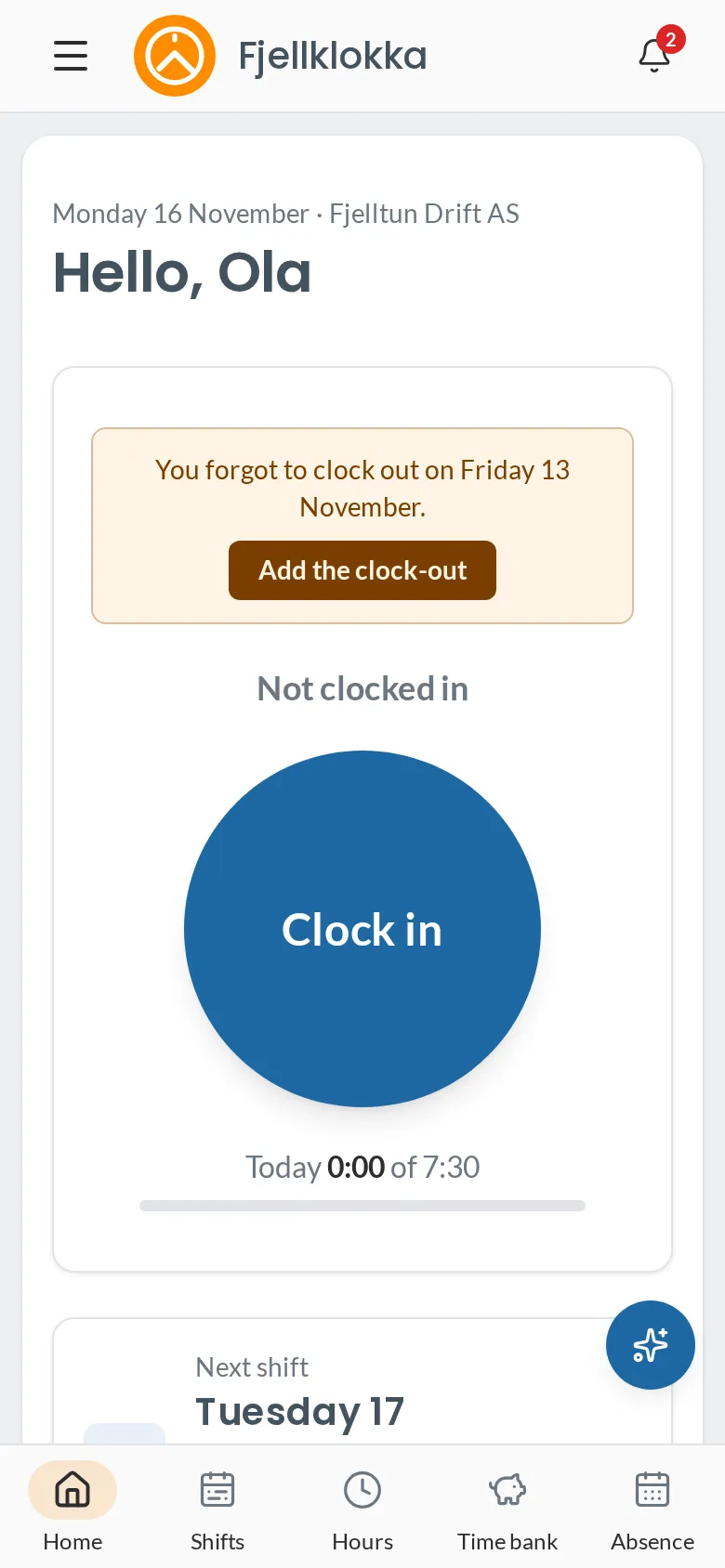
- If you forgot to clock out, Home says so. Tap Add the clock-out, enter when you left and why, and tap Save the clock-out.
- If you forgot a whole period, go to My hours and choose I forgot to clock a whole period. It works for the last 7 days.
- If you arrived before you clocked in, choose I came earlier than I clocked in while you are in.
- You can also tell the assistant, e.g. «Jeg glemte å stemple ut i går kl 16».
Good to know#
- Your manager sees the correction and its reason. The original clocking stays visible.
- A day with an open period is not counted in the balance until it is closed.
- If the period is already approved, your manager must reopen it first.