My shifts#
Where you see when you work, and how you hear about changes.
How to#
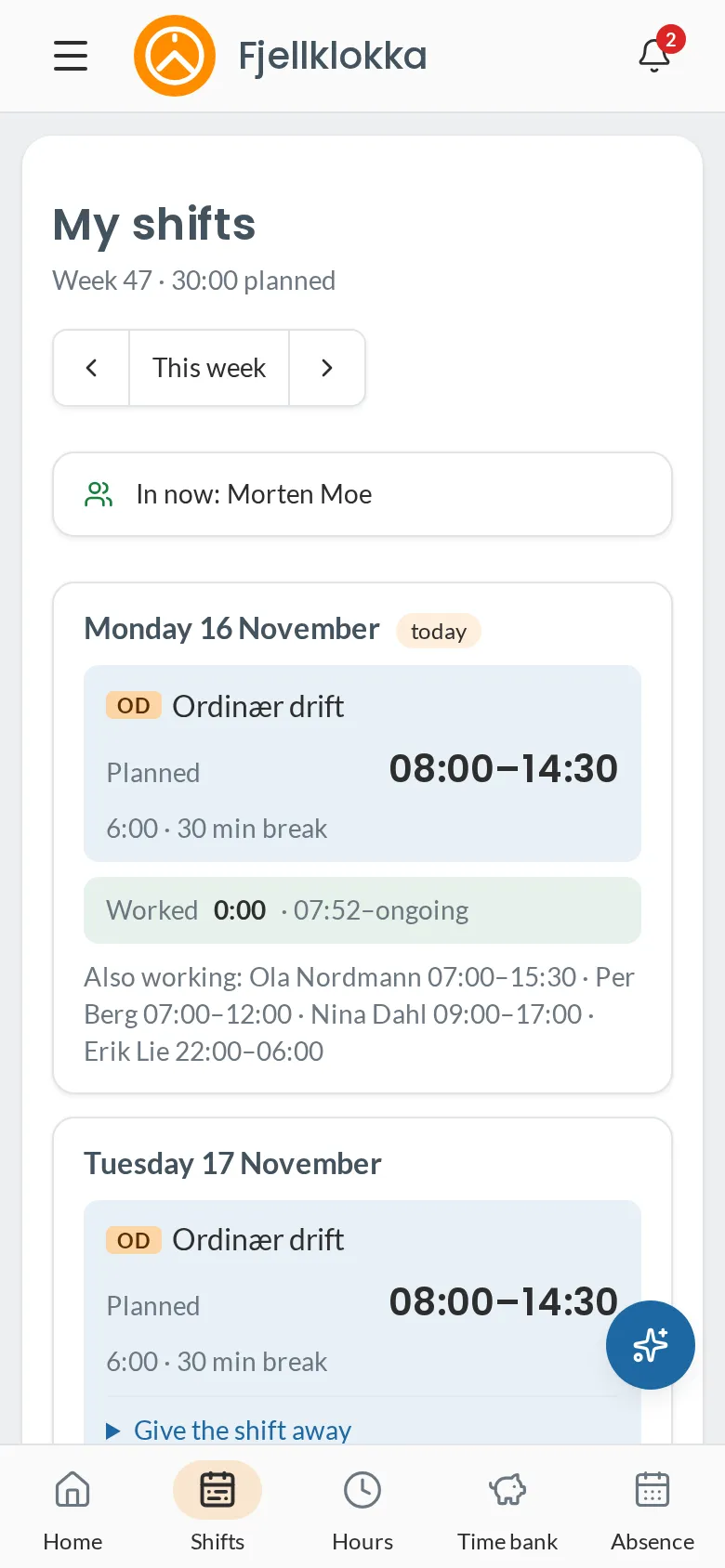
- Go to My shifts (Shifts at the bottom on the phone).
- Move between weeks with the arrows.
- When your manager publishes a week or changes a shift, you get a notification in the app, and an email if you have one.
Good to know#
- Each day shows the shift type and the Planned time, and once you have clocked, the Worked time — and once the day is over, whether it was longer or shorter than planned.
- You only see published shifts. Drafts your manager is working on are not shown.