Terminal PIN#
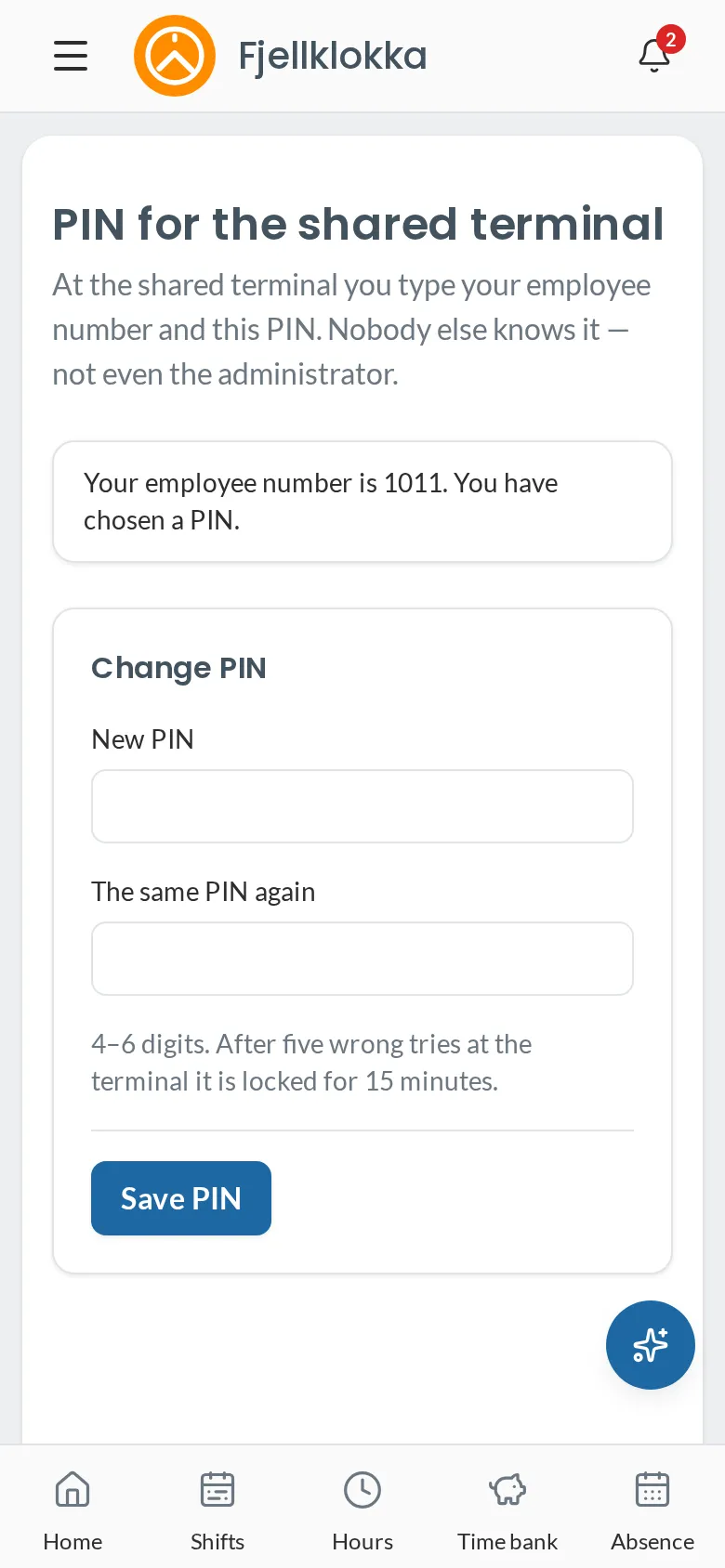
How to make or change the PIN you use at the shared terminal.
How to#
- Open Account in the menu and choose PIN for the shared terminal.
- Enter a new four-digit PIN twice and save.
Good to know#
- An administrator can make a first PIN for you if you do not use the app.