Getting started as a manager#
As a manager you see the employees you are responsible for. You plan the roster, fix forgotten clockings and approve the hours before they go to payroll. If you are an employee yourself, you also have everything in Employee.
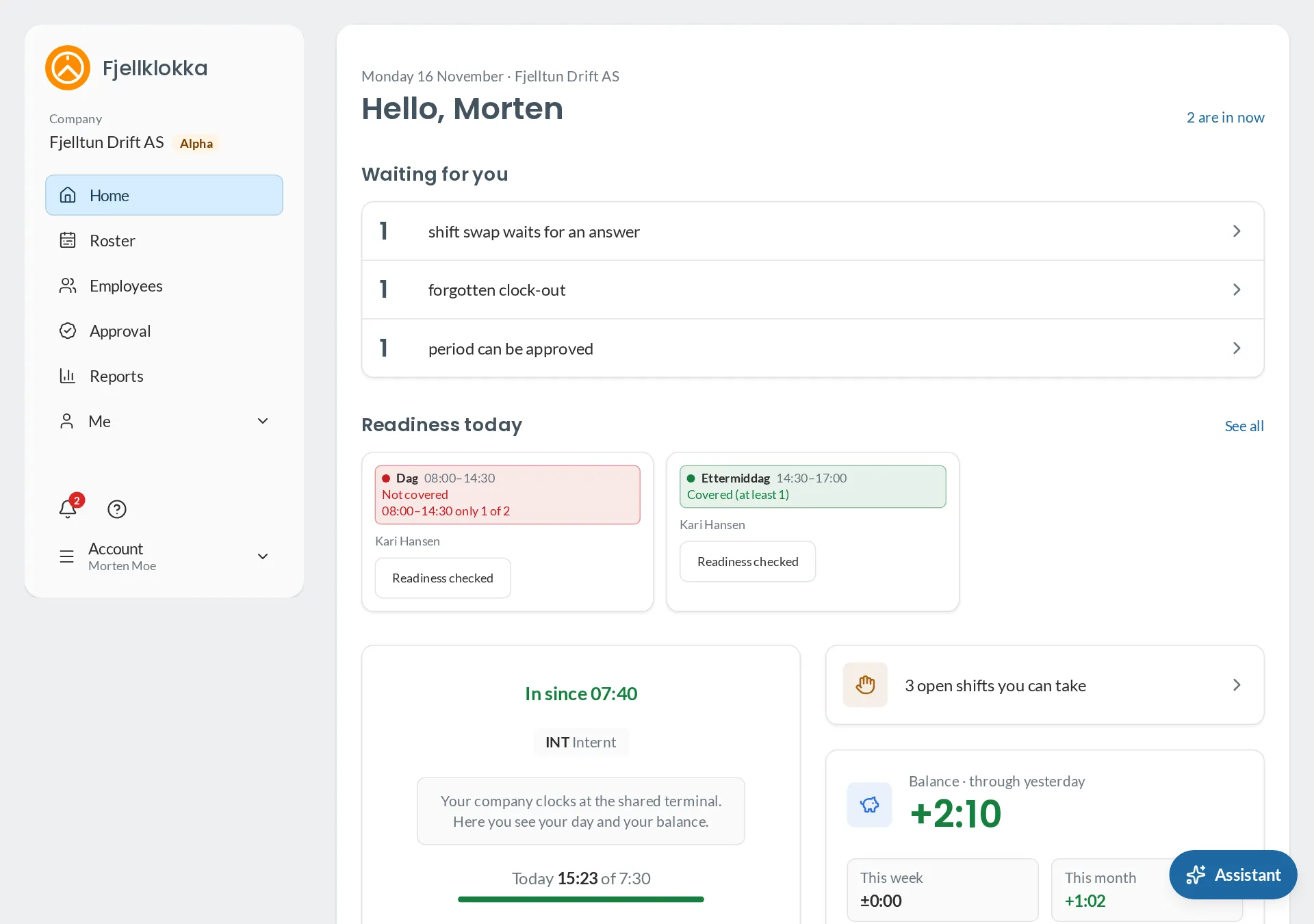
Your week#
- Plan in Roster, and publish when the week is ready. The employees are told. See Make and publish the roster.
- Keep an eye on Employees → In now. It shows who is in, and forgotten clock-outs. See Correct someone’s clocking.
- Answer requests for time off and shift swaps. They are at the top where you need them. See Approve shift swaps.
- Approve the hours when the period is over. See Approve hours.
Overtime and rest under Reports shows whether the Working Environment Act’s limits were passed. See Overtime and rest.
Everything for managers#
- Make and publish the roster — How to plan the week and send it to your employees.
- Readiness on every shift — See whether readiness is covered, and sign that it has been checked.
- Put out open shifts — How to make shifts with no one on them, and choose who gets them.
- Approve shift swaps — How to approve or decline when an employee gives away a shift.
- Correct someone's clocking — How to close a forgotten clock-out or correct a time for an employee.
- Approve hours — How to approve your employees' hours for a period.
- Register absence — How to register holiday, sickness and time off in lieu for an employee.
- Overtime and rest — Where you see whether the Working Environment Act's limits were passed.