Approve hours#
How to approve your employees’ hours for a period.
How to#
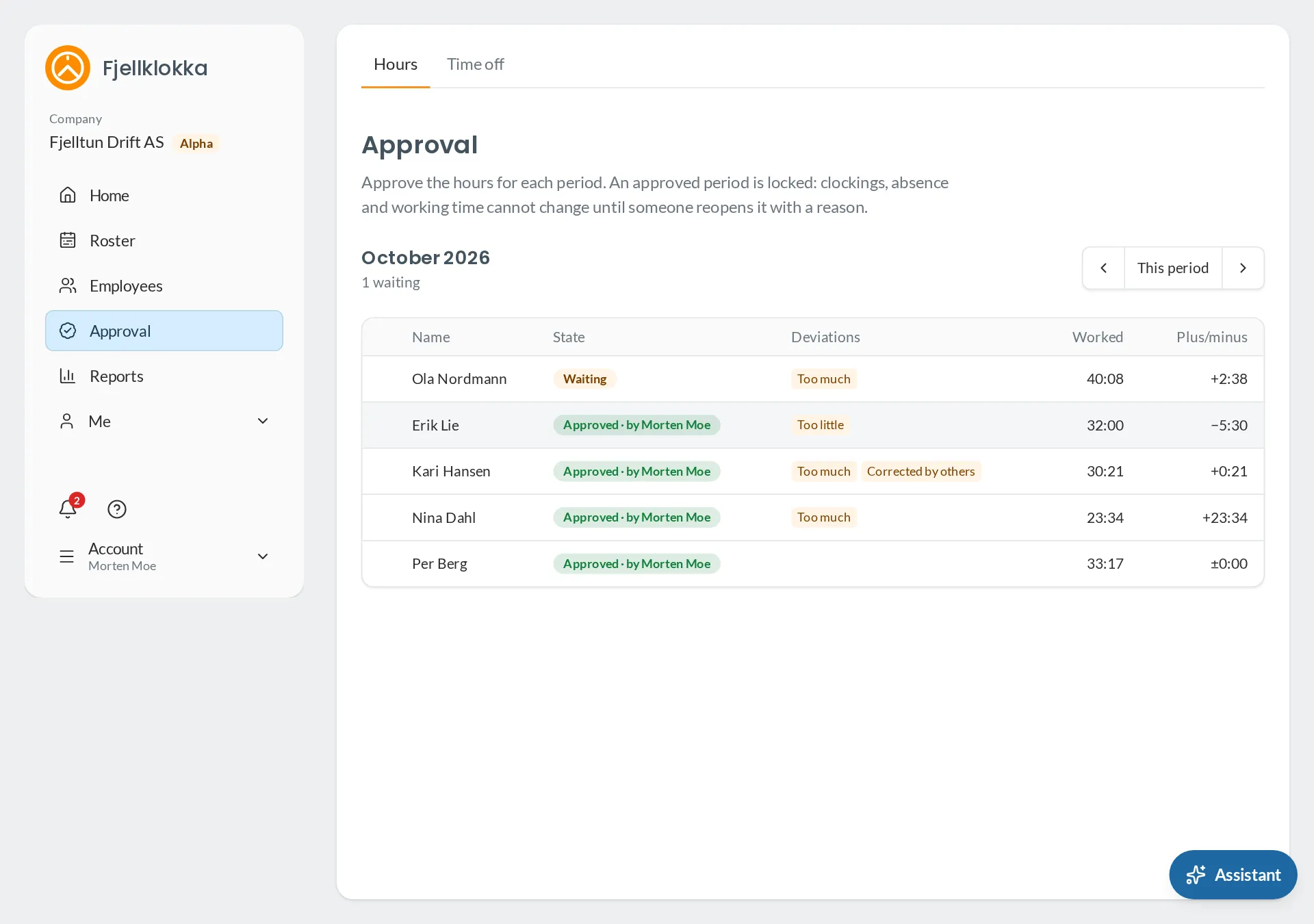
- Go to Approval. You see the last period, who is waiting, and the deviations.
- Choose those without deviations and press Approve the chosen.
- Open a person with deviations, look through the days and approve the period when it is right.
- If something must change afterwards, open the period and choose Reopen the period with a reason.
Good to know#
- Approved is locked: clockings, absence and working time in the period cannot change until it is reopened.
- A period where every day matched its shifts and nothing is flagged can approve itself. The administrator sets that.
- A period with an open period cannot be approved.