Put out open shifts#
How to make shifts with no one on them, and choose who gets them.
How to#
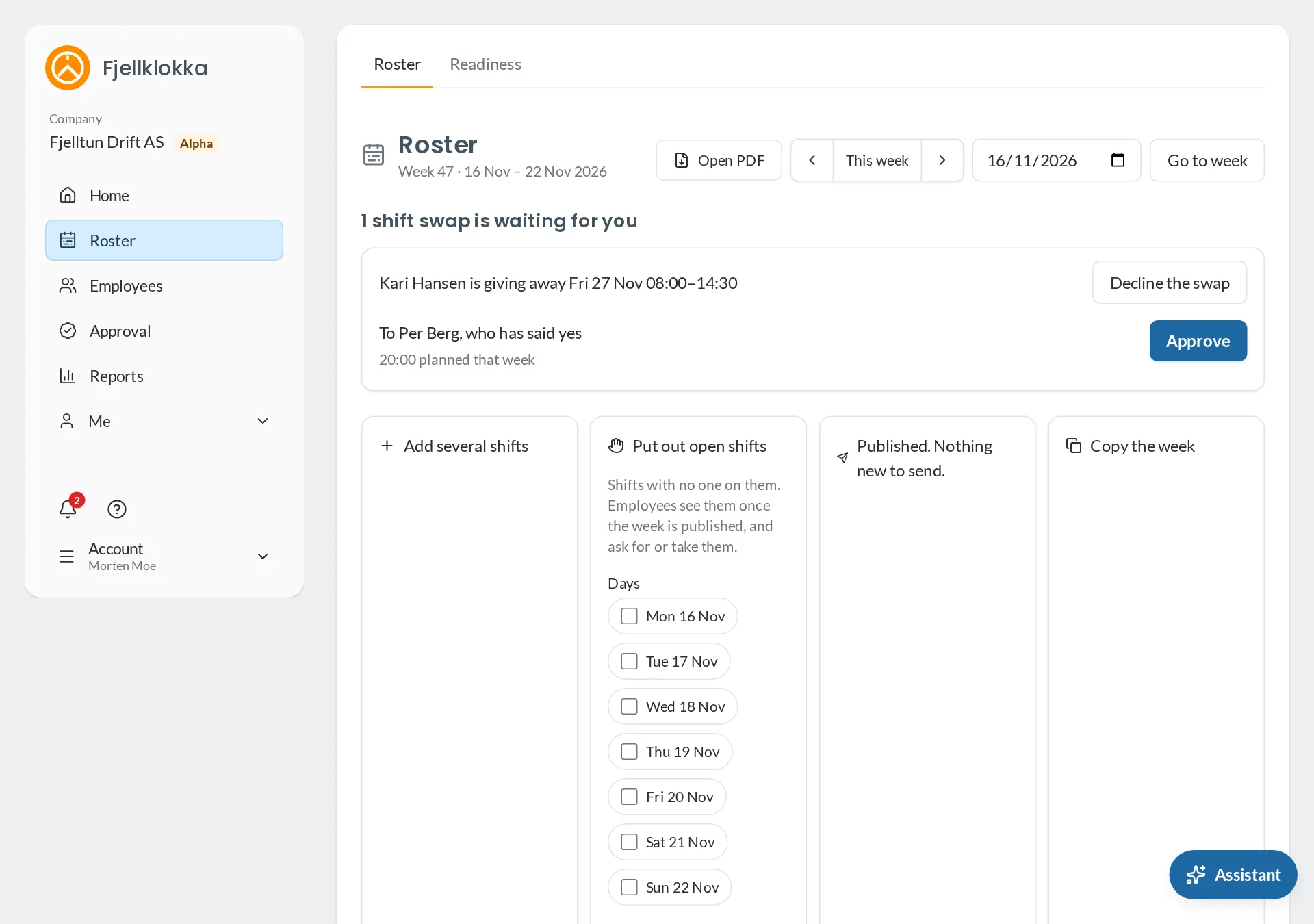
- Go to Roster and open Put out open shifts. Choose the days, the times, How many of each, how the shift is taken and who sees it.
- The shifts are in the Open row at the top. They are drafts until you publish the week; then those who can take them get one email.
- When someone wants a shift, click it and choose See the shift. There you see who, when they asked, how much they work that week, and a warning if the shift would break the Working Environment Act.
- Click Assign. The others are told the shift went to someone else. You can also give a shift straight to one of yours with Assign the shift.
Good to know#
- On the company page the company chooses whether open shifts are assigned by a manager or go First come. You can choose otherwise for one shift.
- With First come no one can take a shift that would break the Working Environment Act’s limits for them. They can ask for it, and you decide.
- My employees are those you follow, and those who have no manager.