Approve shift swaps#
How to approve or decline when an employee gives away a shift.
How to#
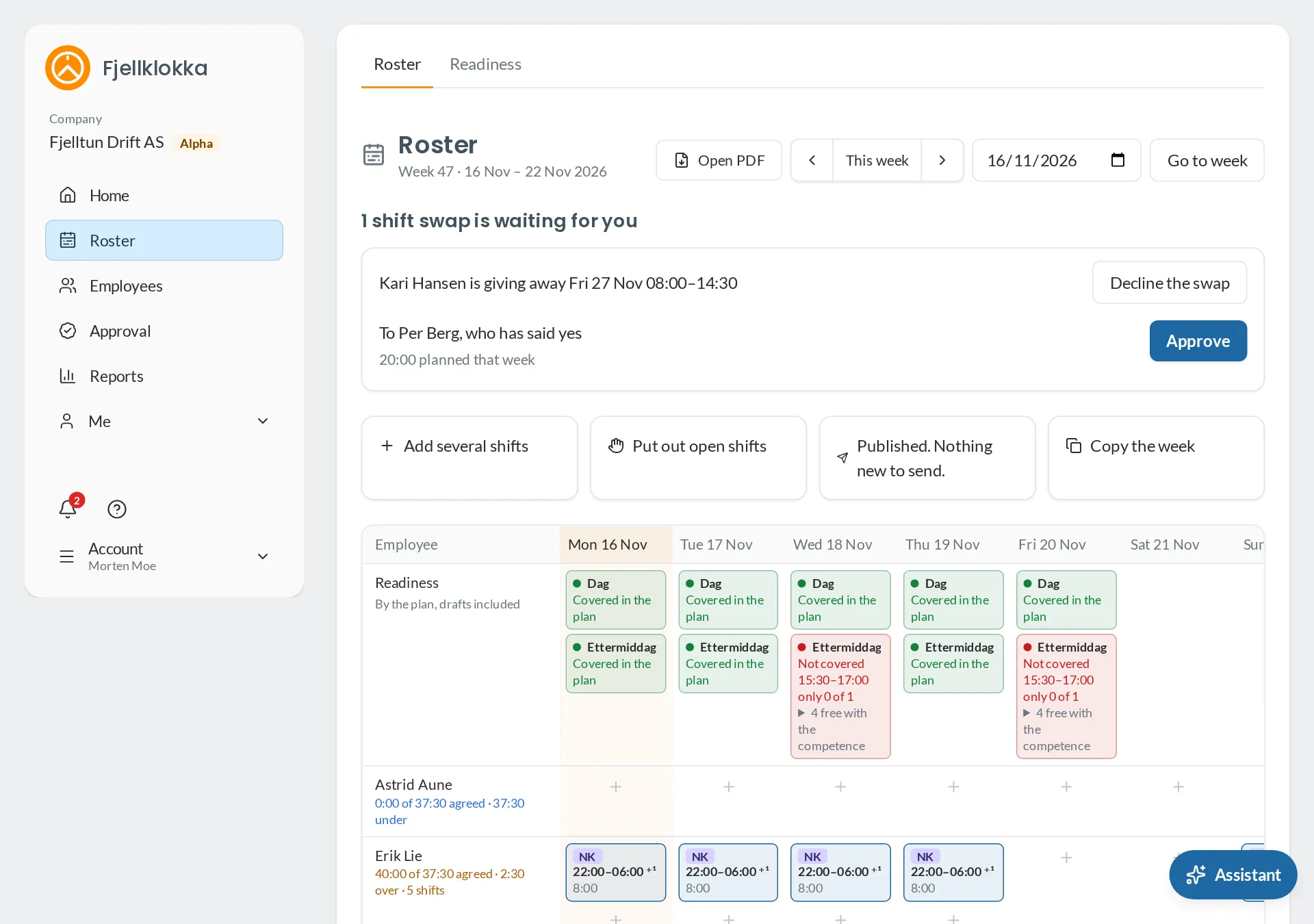
- Go to Roster. Swaps waiting for you are at the top.
- You see who is giving the shift away, who wants to take it, what they work that week, and a warning if the shift would break the Working Environment Act for the one taking it.
- Click Approve by the one who should have the shift, or Decline. Both are told in the app and by email.
Good to know#
- You approve swaps for employees you plan. For an employee with no manager, the administrators approve.